
File Upload
Use File Upload when respondents need to attach a file (documents, images, etc.).
What it looks like
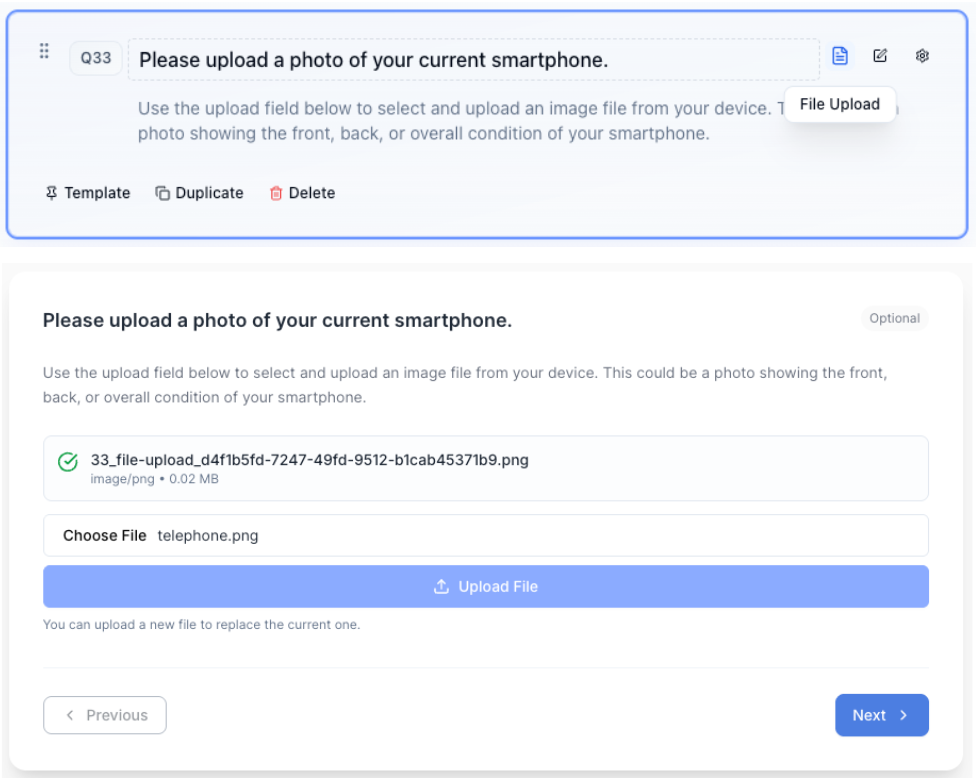
How to create
1
Open your survey in the Survey Builder.
2
Click Add Question and select File Upload.
3
Enter your prompt describing what should be uploaded.
4
In Properties, configure File Upload Settings:
- Allowed file types
- Max file size (MB)
5
Preview to confirm the upload experience.
Best for
- Collecting proof documents
- Sharing images or supporting materials
Tips
- File uploads increase completion time—use only when needed.
- Be explicit about accepted file types and what you expect respondents to upload.