
Video Response
Video Response lets respondents answer with a video recording. They can record directly in the browser or upload an existing video file.
In the Survey Builder, this type appears as Video Response when you click Add Question.
What it looks like
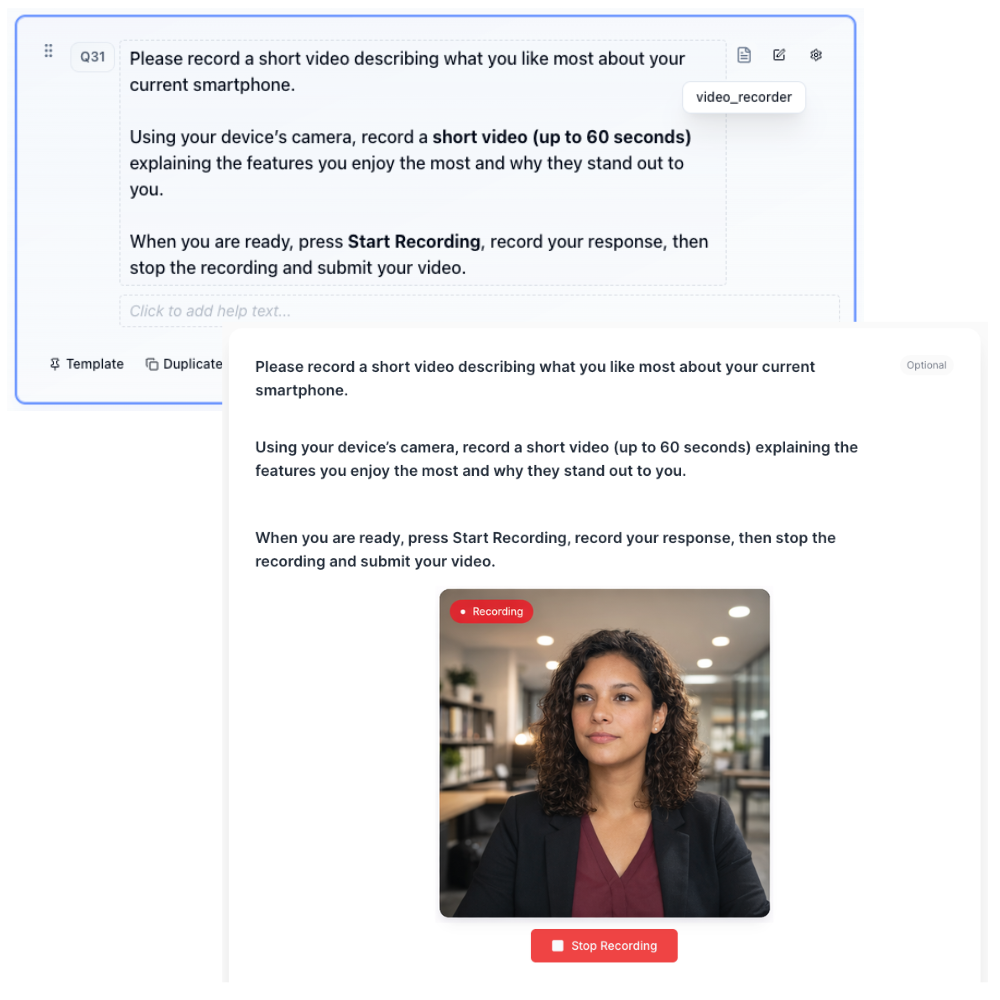
How to create
1
Open your survey in the Survey Builder.
2
Click Add Question and select Video Response.
3
Enter a clear prompt (include what the respondent should talk about and for how long).
4
Preview and test on desktop and mobile.
Best for
- Concept reactions
- “Show and tell” tasks
- Rich qualitative feedback
Tips
- Keep prompts specific and time-boxed.
- Tell respondents what a “good answer” looks like.