
Dropdown
Use Dropdown when you have a longer list of options and want a compact layout.
What it looks like
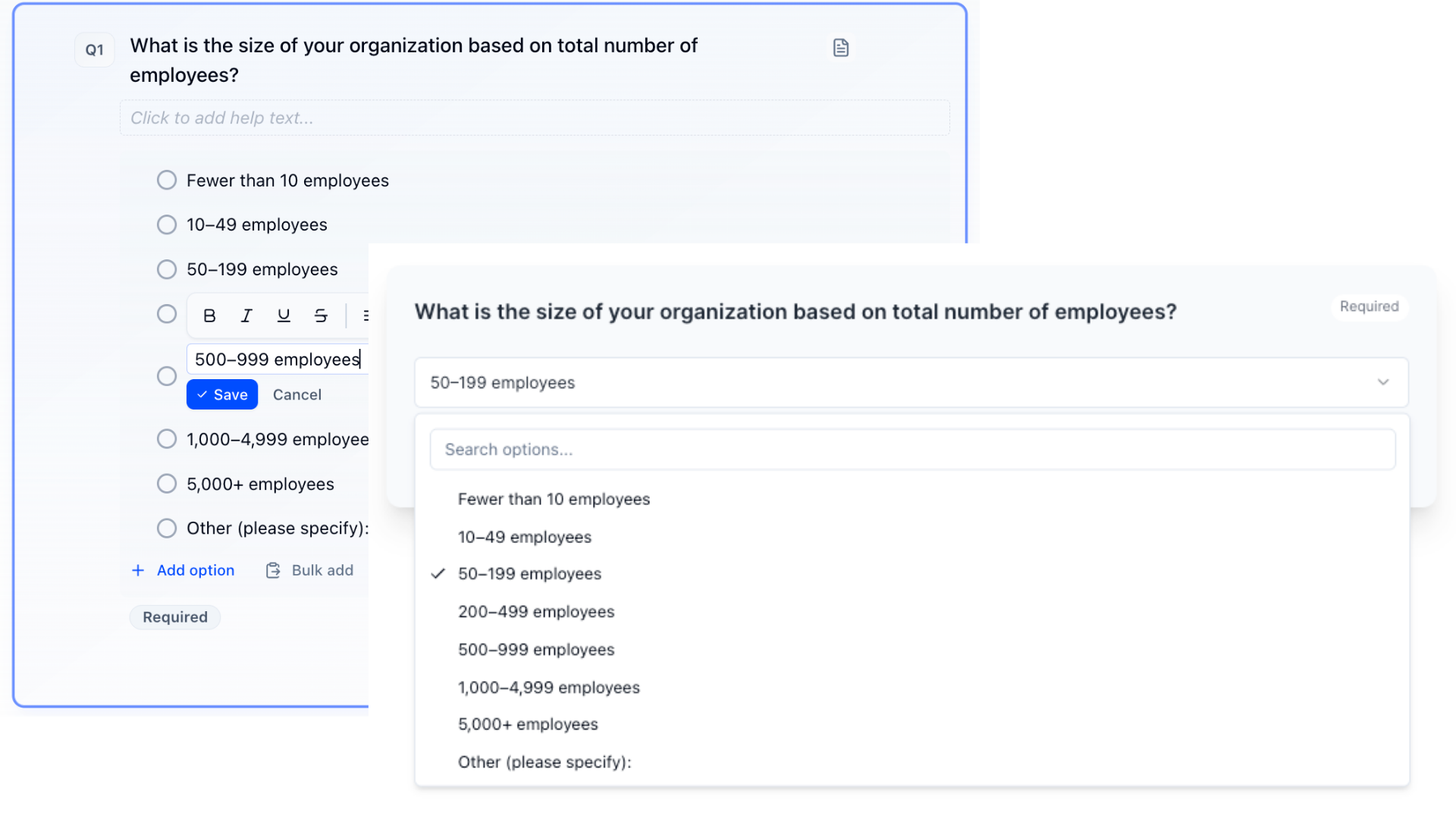
How to create
1
Open your survey in the Survey Builder.
2
Click Add Question and choose Dropdown.
3
Enter question text.
4
Add your options and preview to confirm usability. For long lists, use Bulk edit (see Bulk Edit Choice Lists).
Best for
- Countries, states, job titles
- Any list with ~7+ options
Tips
- Keep option labels short.
- For very long lists, consider Autosuggest.