
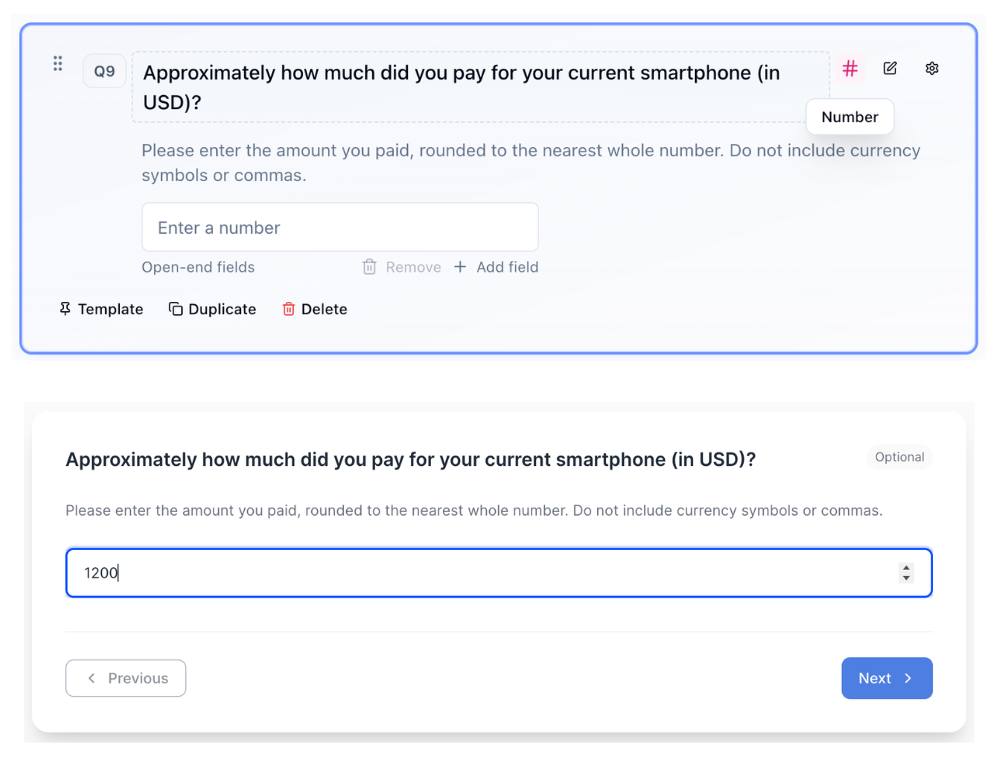
Number
Use Number for numeric responses (age, quantities, dollar amounts).
What it looks like
How to create
1
Open your survey in the Survey Builder.
2
Click Add Question and select Number.
3
Enter question text (include the unit if helpful).
4
In Properties, configure Open-end fields:
- Min entries required
- Max entries allowed
5
In Properties, configure Number Validation:
- Min and Max
- Step
- Decimal places
- Allow negative
- Integer only
6
Preview to confirm the input behaves as expected.
Best for
- Age, years of experience
- Budget or spend
- Counts (purchases, frequency)
Tips
- Make it clear what unit you want (e.g., years, $, minutes).
- If a range is acceptable, consider Slider.