
Information Block
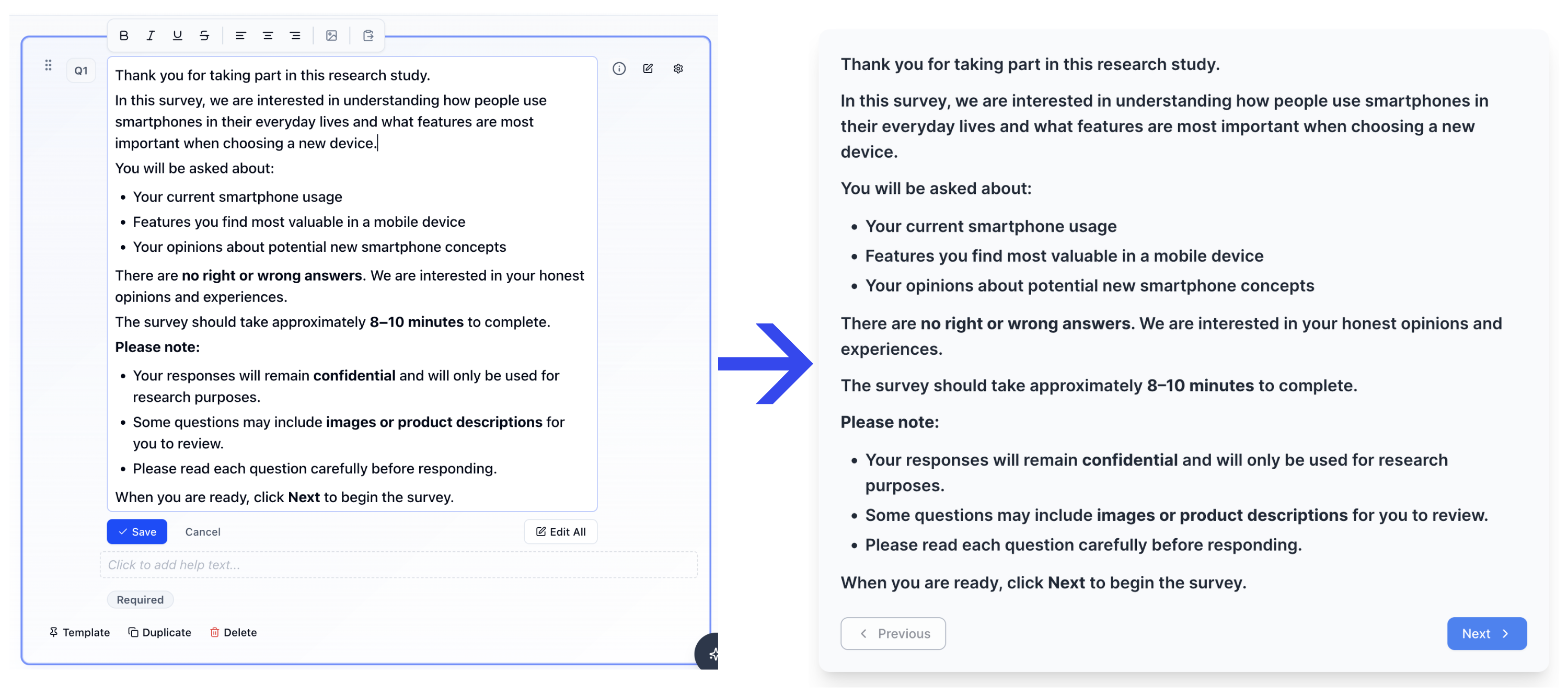
Use an Information Block to add instructions, context, or a section transition. Information Blocks do not collect a response.
What it looks like
Video walkthrough
How to create
1
Open your survey in the Survey Builder.
2
Click Add Question and choose Information.
3
Enter your content (instructions, section intro, or context).
4
Preview the survey to confirm the content appears how you expect.
Best for
- Describing a concept before showing follow up questions
- Setting expectations (time, confidentiality, what to consider)
- Explaining how to answer a complex question
- Breaking a long survey into sections
Tips
- Keep the message concise.
- If the next question is complex (e.g., Constant Sum or MaxDiff), add a short “how to answer” explanation.